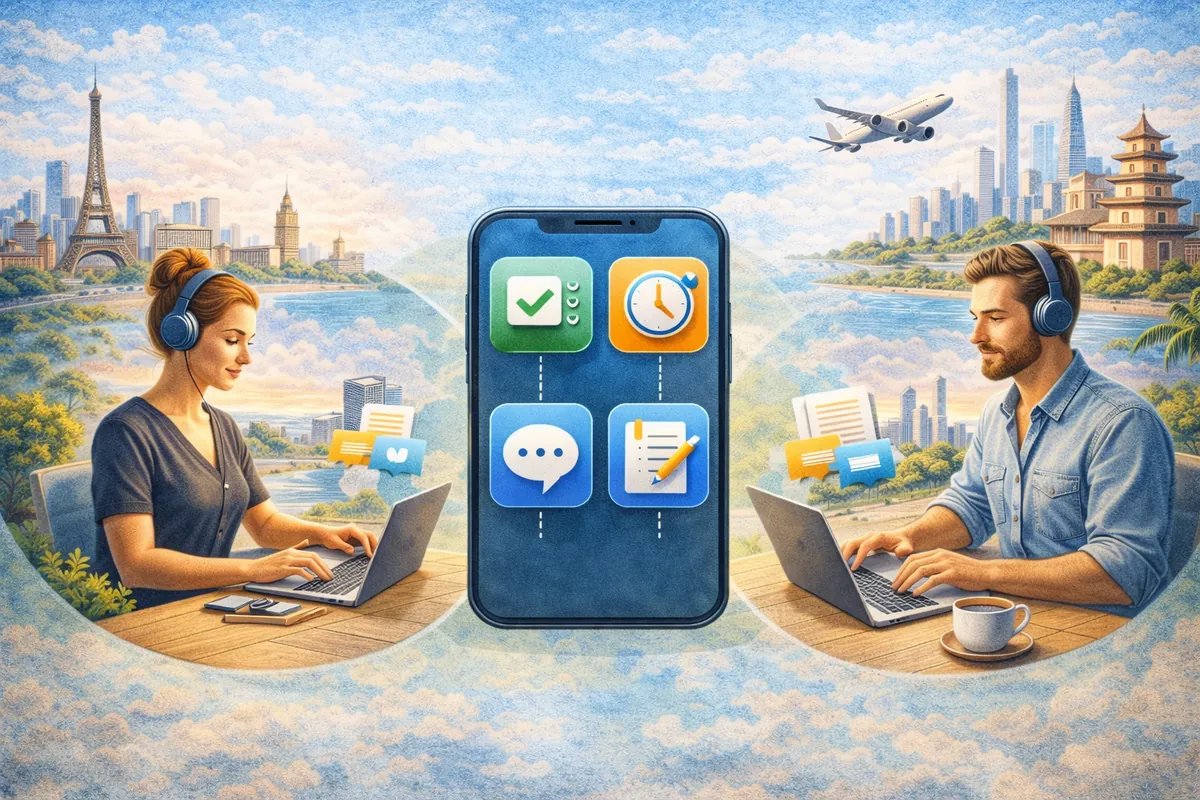
🚀 The Ultimate Guide: Best Productivity Apps for Digital Nomads


TLDR
- Productivity on the road requires centralizing tasks, communication, and secure file storage.
- All-in-one platforms like Notion and ClickUp reduce “app sprawl” and mental fatigue.
- Slack and Zoom remain the gold standard for asynchronous and live team collaboration.
- Secure cloud storage and time tracking are vital for maintaining professional standards.
- A small, well-chosen tech stack provides the stability needed for long-term global travel.
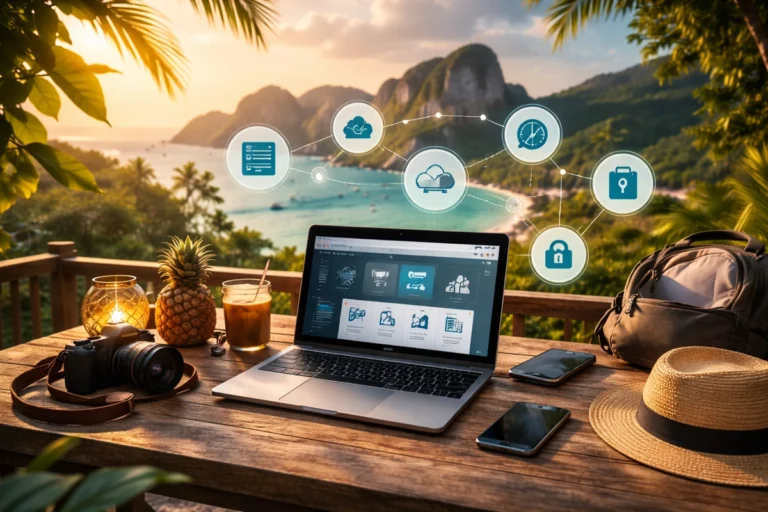
Working remotely sounds simple until you actually try to stay productive while navigating three different time zones in a single week. Between unstable cafe WiFi, shifting routines, and high-stakes client deadlines, your digital setup matters more than most people expect.
Over time, you realize that productivity is not about working more hours; it is about building a system that travels well.
The right remote work productivity tools quietly carry a lot of that weight for you. When your environment is constantly changing, your digital workspace must remain the one constant factor.
Below is an exhaustive breakdown of the tools that consistently hold up for digital nomads in 2026, not just in theory, but in real day-to-day use.
🗂️ Task & Project Management: Staying Organized Anywhere
If your work is not structured, everything else starts slipping. Tasks pile up, deadlines blur, and suddenly you are working late in a noisy hostel wondering what went wrong.
- Notion: This has become a cornerstone of the best apps for digital nomad organization. It combines notes, databases, task boards, and internal documentation into one platform. According to an IDC 2026 analysis on rewired work, tools that centralize documentation are saving workers up to 40% of their typical workday.
- ClickUp: This is a more robust option for productivity tools for remote teams. It handles complex timelines and dependencies better than simpler apps. If you manage a team with varying deadlines, the accountability features here are unmatched.
- Todoist: Among the best task management apps for nomads, Todoist is the most lightweight. Its natural language input allows you to type “Review contract Friday at 2pm” and have it automatically scheduled, which is a lifesaver when you are on the move.
- Asana: While similar to ClickUp, Asana excels in visual project mapping. It is often favored by creative agencies for its clean interface and “Timeline” view.
💬 Communication Tools: Keeping Work Moving Across Time Zones
Remote work lives and dies on communication. Delays, missed messages, or unclear instructions can slow down an entire project.
- Slack: Still the king of remote work efficiency tools. Its channels keep conversations organized, and the asynchronous nature helps you avoid “Zoom fatigue.” You don’t have to be online at the same time as everyone else to stay updated.
- Zoom & Google Meet: For video calls, Zoom remains the most stable across varied internet conditions. This is vital when you are relying on travel wifi hotspots in emerging markets.
- Loom: A rising star in 2026, Loom allows for asynchronous video updates. Instead of a 30-minute meeting, you can send a 2-minute screen recording. This is especially helpful for freelancing vs remote jobs where scheduling live calls across 12-hour time differences is nearly impossible.
☁️ Cloud Storage: Access Your Files From Anywhere
Losing access to critical files while traveling is a nightmare scenario. Devices fail, bags get lost, or connections drop at the worst possible moment. Cloud storage is not just a convenience; it is your ultimate backup plan.
Google Drive and Dropbox are the most reliable options for ensuring your work is synced across all devices.
For parents who are managing a family while traveling, having a shared drive for medical records and school papers is a key part of managing work, parenting, and travel as an expat dad.
Furthermore, the World Economic Forum’s Global Risks Report 2026 highlights that resilient digital infrastructure is now a top-five priority for global professionals to avoid data fragmentation.
⏱️ Time Tracking & Focus: Staying Disciplined Without a Fixed Routine
One of the hardest parts of remote work is managing your own time. Without a boss over your shoulder or a fixed office schedule, it is easy to drift between work and downtime without doing either properly. Nomad time tracking apps are the antidote to this drift.
- Toggl Track: One of the simplest time management apps for travelers. You start a timer, assign it to a project, and see exactly where your billable hours are going. It helps you realize if a “quick task” is actually eating up your entire morning.
- RescueTime: This app runs in the background and tracks how you spend time on your devices. It gives you an honest (and sometimes brutal) picture of your digital habits. It is highly effective for spotting distractions before they become a habit.
- Forest: To stay focused in noisy environments, Forest gamifies your work sessions. You grow a virtual tree by staying off your phone and focused on your screen.
🔐 VPN & Security Tools: Protecting Your Work on Public Networks
Working from cafes, coworking spaces, or airports means you are frequently on public WiFi. This comes with massive security risks. NordVPN and ExpressVPN are mandatory productivity apps for digital nomads to encrypt your data.
Security is even more critical when managing sensitive professional accounts or banking. According to The Cyber Resilience Compass by Oxford University, resilience requires technical systems to align with your primary business goals.
This is especially true if you are moving to the Philippines or other hubs where public connectivity varies.
💰 Financial & Admin Tools: Keeping Your Systems Tight
Productivity is not just about getting work done; it is also about managing the business side of your income. Using top travel credit cards for digital nomads can help automate your expense tracking.
- Wise: Essential for receiving payments in multiple currencies with transparent exchange rates. For digital nomads earning from different countries, this reduces unnecessary fees.
- QuickBooks: Helps track income, expenses, and invoices. Staying on top of finances while traveling can get messy fast, and tools like this keep things structured for tax season.
📊 Quick Tool Comparison for 2026
| Category | Top Pick | Why it Wins |
| Project Mgmt | Notion | All-in-one flexibility |
| Communication | Slack | Asynchronous powerhouse |
| Time Tracking | Toggl Track | Simple, cross-platform |
| Focus | Forest | Gamified discipline |
| Security | NordVPN | Speed and reliability |
🛠️ All-in-One vs Specialized Apps: What Actually Works?
There is always a temptation to find one app that does everything. And to some extent, tools like Notion or ClickUp try to offer that. However, in practice, most experienced digital nomads end up using a specialized mix.
You might manage tasks in one app, communicate in another, and store files elsewhere. That is normal. The goal is not minimalism for its own sake; the goal is reliability.
A small, well-chosen stack tends to hold up better over time than one massive app that tries to do everything mediocrely.
🚀 How to Choose Your Perfect Setup
There is no single “best” combination. It depends on how you work. A freelancer managing solo projects will need something very different from someone working in a large, distributed team.
A solid baseline for 2026 looks like this:
- One Task Manager: To hold your to-do list.
- One Communication Tool: To talk to clients or colleagues.
- One Cloud Storage Platform: To keep your files safe.
- One Focus App: To maintain your discipline.
- One Financial Tool: To manage your cash flow.
🏁 Final Thoughts
Choosing the right productivity apps for digital nomads is about building a system that holds steady, even when your environment doesn’t. The right tools do more than just make work easier; they reduce stress, improve consistency, and give you back control over your time.
Start with a simple setup and add complexity only when you feel a genuine need for it.
If you are packing for your next trip, check our list of 15 gadgets every digital nomad needs to ensure your hardware matches your software. Finally, always prioritize safety tips for solo digital nomads when working in new and unfamiliar environments.