Travel WiFi Hotspots Compared: The Ultimate Nomad Guide

Key Take-Aways
- Portable WiFi hotspots provide completely secure, isolated internet compared to open public networks, making them essential for remote work operations.
- Digital eSIM hardware and flexible, physical SIM configurations currently dominate the landscape due to their superior global roaming architectures.
- The ideal portable option hinges entirely on your ongoing movement velocity, monthly data consumption metrics, and client communication needs.
Reliable internet is not a luxury when you are working remotely from international locations. It functions as the foundational backbone of every single business operation you execute.
Client video calls, server uploads, secure cloud backups, and international banking payments all rely on an unyielding link.
Without stable, high-performance network access, your remote operations can break down within a matter of minutes.
It’s incredibly annoying, and can cost you time, effort and money.
If you have spent any length of time operating out of bustling neighborhood cafés or unverified holiday rentals, you already understand how frustrating public networks can be.
Some days everything syncs perfectly. Other days, you are stuck reconnecting every ten minutes while trying your best to keep your sanity intact during a live client presentation.
That is where investing in dedicated travel wifi hotspots makes a massive practical difference.
They provide you with an isolated, encrypted connection that functions independently of whatever unstable local network happens to surround you.
But not all hardware systems are engineered equally, and the structural differences matter more than most people expect.
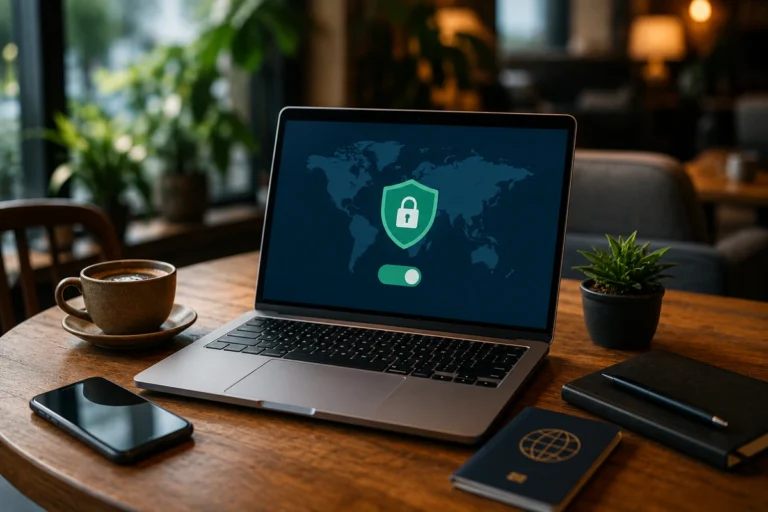
Whatever travel wifi hotspot you choose, I’d strongly recommend you always use a VPN to keep your data and privacy safe!

What a Travel WiFi Hotspot Actually Does
At its absolute core, a portable router connects directly to local cellular infrastructure and converts that cellular link into a private, high-speed local network for your equipment.
Think of it as a pocket-sized industrial router that travels everywhere with you.
Most high-quality modern hardware setups can host multiple simultaneous device connections without experiencing severe localized latency.
This means your production laptop, secondary smartphones, and administrative tablets can all remain online at the exact same time through a single access point.
Simplifying your connection path is incredibly valuable when you are managing heavy daily workloads across a variety of hardware interfaces.
It completely removes the need to log into individual venue web portals over and over again on every piece of gear you own.
The most critical advantage, however, centers on complete operational control. Freedom and sovereignty, in other words.
By managing your own access point, you are no longer at the mercy of municipal networks that are frequently restricted, poorly configured, or dangerously unencrypted.
SIM-Based vs eSIM Hotspots
This represents one of the single largest structural design forks in the marketplace today, and it deserves deep analysis before you purchase any specific hardware model.
The balance between physical components and software-defined profiles changes how you manage your data on long journeys.
Traditional SIM-based hardware relies entirely on standard physical plastic cards.
You must manually buy and insert a local cellular card inside each new country you visit, mirroring the standard process used for conventional unlocked mobile phones.
This physical methodology often yields the absolute best monetary value per gigabyte because localized domestic data plans are historically far cheaper than sweeping global corporate roaming packages.
However, the major downside of this path is the recurring administrative hassle.
You have to hunt down authentic carrier storefronts in every new country, handle registration steps, and occasionally navigate difficult language barriers or restrictive local identification laws just to get online.
Conversely, eSIM hardware configurations utilize internal digital components that download over-the-air cellular profiles dynamically across hundreds of networks without requiring physical changes.
This makes them incredibly popular choices for mobile hotspots for international travel.
You simply step off a plane in a brand-new region, power up your device, and establish an authenticated link in under five minutes.
The trade-off here is strictly financial, as global plans frequently carry premium price tags per gigabyte compared to domestic options.
From a practical perspective, looking closely at a portable hotspot vs esim for nomads reveals that digital convenience becomes infinitely more valuable the faster your travel velocity is.
Security Advantages Over Public WiFi
Digital asset security is frequently overlooked by new remote workers, but it is a massive exposure point when your business travels across international borders.
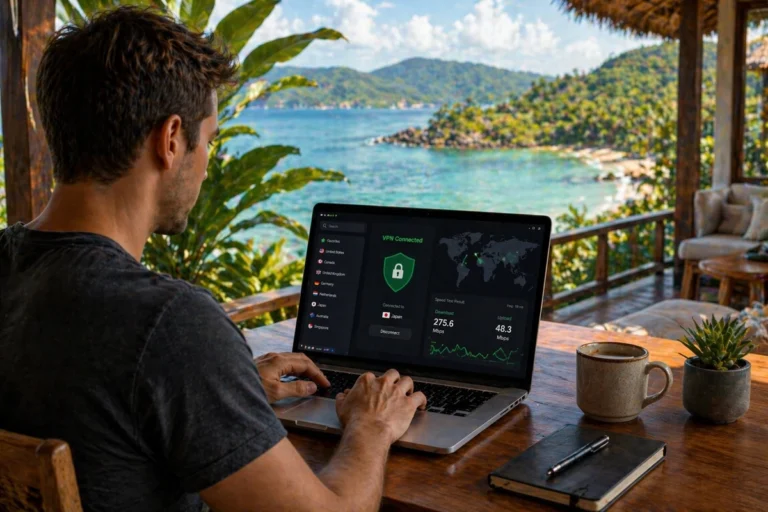
Open networks are prime targets for malicious actors – this is why I always recommend digital nomads to use a VPN, wherever you go.
Unsecured public access points allow third parties to monitor unencrypted data transfers or execute intermediate interception actions.
This vulnerability is incredibly serious if you regularly input corporate passwords, access private customer records, or manage sensitive payment processing gateways.
Deploying the best portable wifi for nomads solves this issue by creating a private, WPA3-encrypted wireless path directly to local cellular infrastructure.
This structural layer instantly shields your wireless transfers from local prying eyes.
While a private access point significantly hardens your edge security, it should not be viewed as a standalone replacement for a comprehensive security setup.
It forms a clean, baseline defense layer for your everyday operations, but again, add a VPN to create an even stronger defense!
Popular Types of Devices in the Market
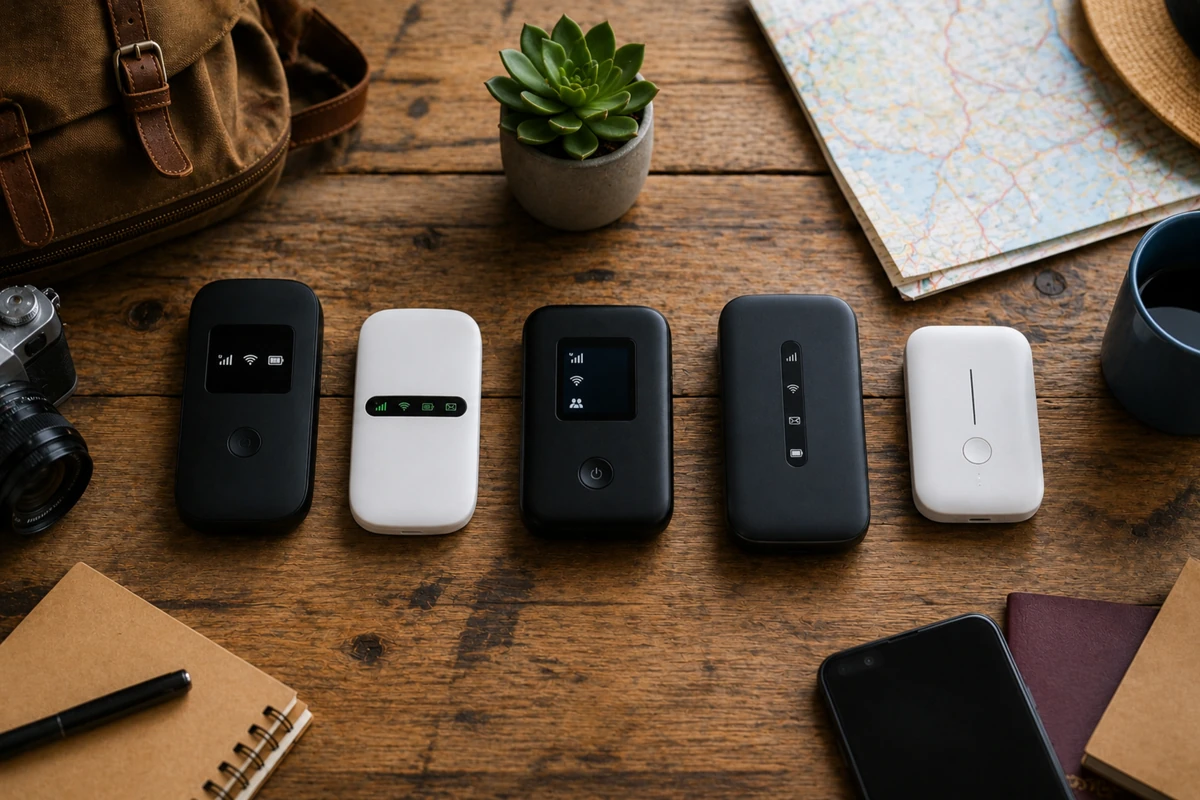
While corporate brands update their catalogs constantly, the vast majority of mobile hardware options fall into three distinct functional categories.
- Purpose-built portable hotspots are designed from the ground up for the sole purpose of broadcasting cell data to peripheral devices. They feature optimized antennas, offer superior battery life, and handle multiple client devices smoothly.
- Advanced high speed travel routers offer robust desktop-grade routing features. These advanced travel systems regularly feature physical Ethernet ports and extended broadcast ranges, making them ideal if you want to set up a stable workspace inside a long-term apartment.
- Smartphone tethering represents the simplest fallback option available. While modern mobile devices can share their cellular connections easily, relying on this method long-term can degrade your phone’s battery health and cause severe overheating under heavy sustained network loads.
When a Hotspot Makes Sense
I’ll be the first to admit that not every remote worker needs to run out and buy a dedicated portable router.
The investment value depends entirely on how your business generates income and how often you cross borders.
If you rely on synchronous video calls or time-sensitive server access to sustain your income, setting up a backup internet connection is a non-negotiable insurance policy.
It shifts the conversation away from mere convenience and moves it into professional risk management.
A dedicated unit also makes perfect sense if you move through multiple countries every few months.
The ability to pull up a secure connection the second your plane touches down removes an immense amount of operational friction.
Conversely, if you prefer to settle into a single international city for six months at a time and work out of a house with fiber internet, buying local cards or setting up a fixed line is often much more practical.
Conclusion
In summation, travel wifi hotspots are far more than optional consumer electronics.
For serious digital nomads like us, they are a vital piece of core infrastructure that keeps your entire business running smoothly across the globe.
The ideal hardware setup depends on your unique travel style, your average monthly data consumption, and how much network reliability your specific job requires.
There is no single magic solution that fits every single remote worker perfectly, but there is absolutely a setup that can integrate seamlessly into your workflow.
Once you establish that reliable hardware balance, working from anywhere in the world becomes infinitely smoother.
You will face fewer interruptions, fewer surprises, and gain complete control over how you connect to the digital world.
Whatever travel wifi hotspot you choose, I’d strongly recommend you always use a VPN to keep your data and privacy safe!