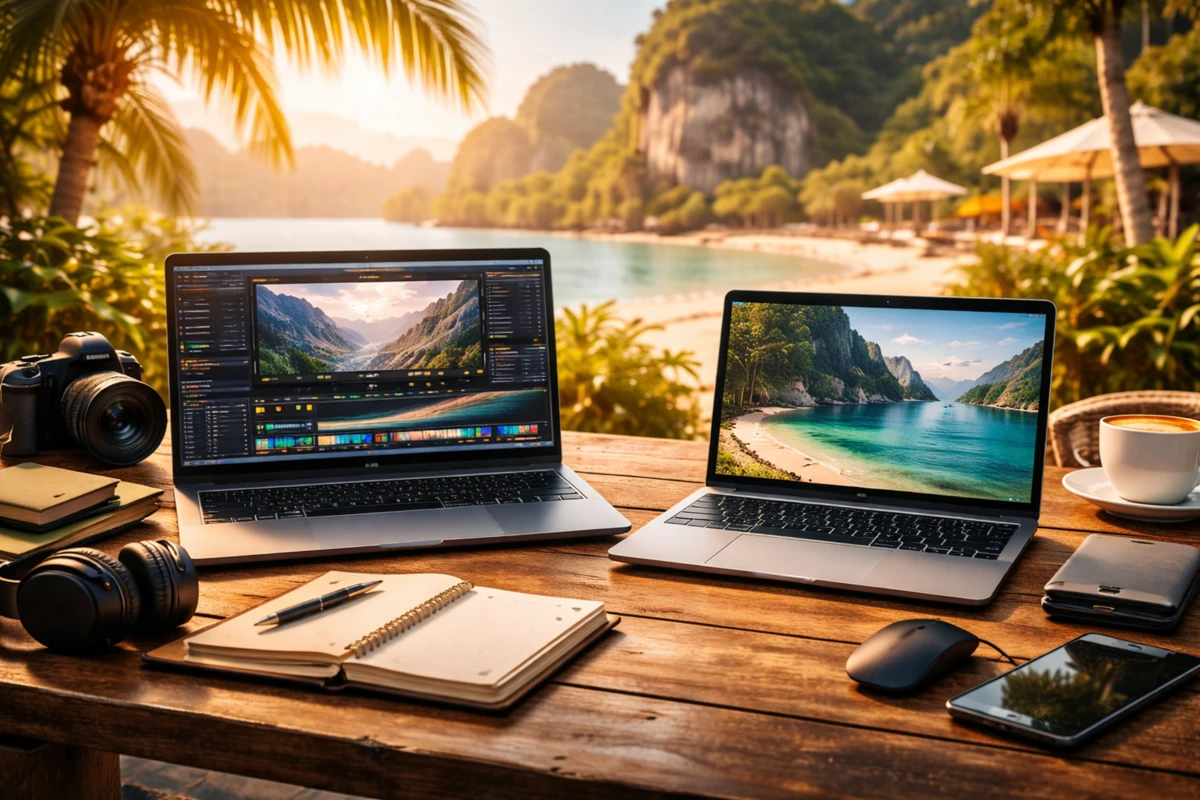
💻 Best Laptops for Remote Work (Performance vs Portability)


TLDR
- Battery King: The Apple MacBook Air with Apple Silicon (including the latest M5) delivers up to 18 hours of life for travelers.
- Balanced Build: Dell XPS 13 and 14 models strike a strong balance between performance and a slim, CNC-machined design.
- Tough & Light: Lenovo ThinkPad X1 Carbon Gen 14 weighs under 1kg while offering military-grade durability.
- Flexibility: HP OmniBook Ultra Flip (formerly Spectre) and Surface Laptop 2026 provide touchscreens and AI-accelerated power.
- Power First: High-performance mobile workstations prioritize raw muscle but sacrifice low weight for workstation-class GPUs.
Choosing a laptop for remote work isn’t as simple as grabbing the most powerful model on the shelf. You’re juggling two needs: performance to keep your productivity tools running smoothly, and portability so you won’t dread carrying it from one city, café, or coworking space to the next.
I’ve spent years bouncing between continents with a laptop on my back, and I’ve learned that understanding where performance ends and portability begins makes a huge difference in your daily workflow.
In 2026, the nomad laptop guide is heavily influenced by the rise of AI-efficient chips that prioritize both speed and thermal management.
Whether you are looking for the best laptops for remote work or ultra-portable gear, the landscape has shifted toward high-efficiency NPUs and extended battery life.
🏔️ What Remote Workers Need in a Laptop
Before we dive into specific models, it’s helpful to frame what you’re actually optimizing for. First, battery life is king.
If you’re in long meetings or deep work sessions without access to power outlets, 10 to 18 hours of real-world battery life can mean the difference between stress and smooth productivity.
Lightweight performance laptops now routinely clear this bar, but you must look at real-world benchmarks rather than marketing fluff.
Weight and size matter more than specs on paper. Sub-3 pound devices are noticeably easier to carry every day. Even a half-pound difference adds up when you’re trekking between coworking spaces in Southeast Asia or navigating airports with a backpack.
Finally, performance isn’t just about benchmarks; it’s about the type of work you do. For many, ultrabooks for remote work offer more than enough power for SaaS tools and project management software.
| Feature | Importance | Why It Matters |
| Battery Life | Critical | Freedom from wall outlets in cafes or long-haul flights. |
| Weight | High | Prevents back strain during frequent relocations. |
| Connectivity | High | Multiple ports or Wi-Fi 7 ensures stable client calls. |
| RAM (16GB+) | Critical | Necessary for multitasking and browser-heavy workflows. |
💡 Expert Tip: The Power Buffer
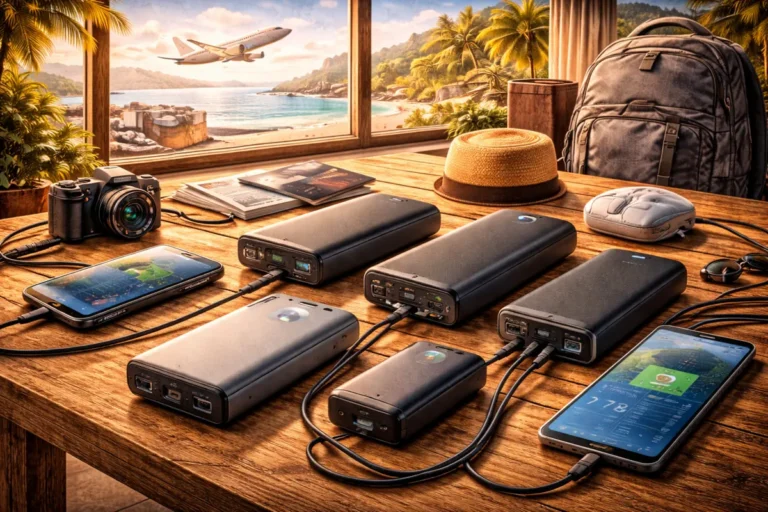
Never rely solely on your internal battery. Always carry a compact GaN charger and verify that you have an emergency fund for nomads to handle sudden hardware failures while abroad. Having a backup power source is a core part of any nomad laptop guide 2026 strategy.
🍏 Apple MacBook Air with Apple Silicon
The Apple MacBook Air remains the best macbook for digital nomads in 2026. The latest M5 models deliver remarkable efficiency, keeping the laptop cool and silent without the need for internal fans.
This makes it the premier choice for those seeking best battery life laptops for travelers.
- Efficiency: The 13.6-inch and 15.3-inch models both offer up to 18 hours of video playback.
- Storage: Base models from Apple now start with 16GB of RAM, satisfying the industry-standard need for lightweight laptops with 16gb ram.
- Travel Fit: The slim chassis and MagSafe charging port make it ideal for cramped airplane tray tables or working in tight cafe corners.
Why it wins: The fanless design isn’t just about silence; it means no moving parts to break and no vents to suck up dust while you’re working from a beach-side cafe.
For remote tasks like spreadsheets, web apps, and video calls, these machines offer the best laptops for remote work due to their silent operation and incredible thermal management.
💎 Dell XPS Series
Dell’s XPS lineup, particularly the XPS 13 and the newer XPS 14, is a favorite for those seeking lightweight performance laptops. These machines combine Intel Core Ultra Series 2 or Panther Lake processors with premium CNC-machined aluminum.
- AI-Ready: Integrated NPUs help manage background noise in video calls and optimize battery life during intensive tasks.
- Sleek Design: InfinityEdge displays provide a nearly borderless viewing experience.
- Portability: The XPS 13 remains one of the premier portable windows laptops for video editing on the go when configured with an OLED touch display.
📊 Model Comparison: XPS 13 vs XPS 14
| Spec | XPS 13 (2026) | XPS 14 (2026) |
| Weight | 1.18 kg | 1.36 kg |
| Battery | 55 Wh | 70 Wh |
| Best For | Ultra-portability | Sustained Creative Work |
While the MacBook dominates the efficiency conversation, the Dell XPS series remains the gold standard for portable windows laptops for video editing, especially for those who prefer the Windows ecosystem or require specific software compatibility.
👔 Lenovo ThinkPad Family
The series from Lenovo is the go-to for reliability. The ThinkPad X1 Carbon Gen 14 Aura Edition is a standout nomad laptop guide 2026 entry because it weighs less than 1kg (2.2 lbs) while meeting military-grade durability standards.
It is one of the few lightweight laptops with 16gb ram (or up to 64GB) that can survive being dropped or shoved into an overstuffed bag.
- Input: Often cited as having the best keyboard in the industry for writers and coders.
- Security: Features like the ThinkShield suite and privacy shutters are essential for maintaining digital nomad safety.
- Connectivity: Unlike thinner competitors, it maintains a healthy port selection, including HDMI 2.1 and USB-A.
✅ ThinkPad Reliability Checklist
- [ ] Mil-Spec Tested: Rated for extreme temperatures and humidity.
- [ ] Physical Privacy: Hardware webcam shutter and fingerprint reader.
- [ ] Replaceable Parts: Easier to repair in foreign countries compared to glued ultra-portables.
For business professionals, the ThinkPad represents the peak of lightweight performance laptops, blending a carbon-fiber shell with cutting-edge Intel Core Ultra silicon.
🔄 HP OmniBook Ultra and Surface Laptop 2026
If you want a laptop that bends to your workflow, convertible models like the HP OmniBook Ultra Flip (the evolution of the Spectre) or the new releases from Microsoft bring added flexibility. These are excellent ultrabooks for remote work that prioritize high-resolution touchscreens and AI-accelerated power.
The 2026 Surface refresh specifically offers up to 20 hours of local video playback on its 13.8-inch model, rivaling the best battery life laptops for travelers. These machines integrate seamlessly with Windows productivity tools and are often the preferred choice for presenters and designers who value the 2-in-1 form factor.
When choosing the best macbook for digital nomads, some users find themselves switching back to the Surface due to the versatility of the stylus and tablet mode.
- Adaptive Design: Use it as a tablet for reading or a laptop for deep work.
- Aspect Ratio: The 3:2 screen on the Surface offers more vertical space for reading digital nomad tax guides.
⚙️ High-Performance Mobile Workstations
For specialists tackling computationally demanding tasks, like 4K video editing, data analysis, or virtualization, mobile workstations provide muscle that traditional ultrabooks for remote work can’t match. These are the best laptops for remote work when raw power is the only metric that matters.
While these are rarely the best battery life laptops for travelers due to their power-hungry GPUs, they are necessary for professionals who need professional-grade Nvidia Blackwell or RTX PRO graphics.
To protect such a high-value investment, ensure you have robust international health and equipment coverage and are utilizing a secure VPN to protect your intellectual property.
⚠️ The Workstation Trade-off
- Pro: Desktop-level performance in a bag.
- Con: You’ll likely need to stay near a power outlet; real-world battery under load is often sub-4 hours.
- Con: Weight usually starts at 2kg+, requiring a heavy-duty travel backpack.
🎒 The Nomad Workflow: Beyond the Hardware
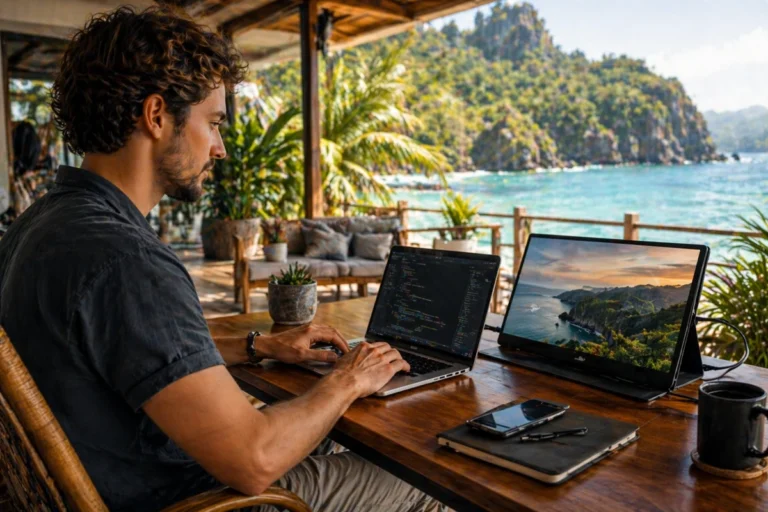
Even the best laptops for remote work are only as good as the accessories that support them. Most digital nomads eventually supplement their setup with portable monitors to increase screen real estate. This is particularly important for developers or traders who need to see multiple windows simultaneously.
Furthermore, managing your work across borders requires more than just hardware; it requires a multi-currency bank account to avoid high fees when purchasing gear or paying for coworking subscriptions. The nomad laptop guide 2026 isn’t just about the computer; it’s about the financial and logistical ecosystem that keeps you operational.
🛠️ Essential Nomad Kit
- GaN Charger: 100W power in a tiny footprint.
- Noise-Cancelling Headphones: For deep focus in busy airports.
- Laptop Stand: To keep your ergonomics in check at makeshift cafe desks.
👋 Conclusion
The smartest laptop purchase in 2026 supports how you actually live. If your work is mostly productivity-based and you move often, the MacBook Air or ThinkPad X1 Carbon are unbeatable. If you need a more traditional Windows experience with a focus on design, the XPS or Surface lines strike the right balance of ultrabooks for remote work.
Once you find that sweet spot between performance and portability, your remote lifestyle gets much smoother. Whether you prioritize lightweight laptops with 16gb ram or the best battery life laptops for travelers, the technology available today ensures that you never have to be tethered to a desk again.
Read Also: 15 Gadgets Every Digital Nomad Needs