💻Best Budget Laptops Under $1,000 for Nomads


TLDR
- A budget of $1,000 is enough to buy a reliable laptop that handles remote work, video calls, multitasking, and light creative work.
- The Acer Swift Go 14, ASUS Zenbook 14, Lenovo IdeaPad Slim 5, and MacBook Air M2 are among the strongest value options available.
- For digital nomads, portability, battery life, build quality, and USB-C charging matter more than raw performance.
- Aim for at least 16GB of RAM and a 512GB SSD if you plan to work remotely full-time.
- Expensive flagship laptops are often unnecessary when several sub-$1,000 models deliver excellent real-world performance.
One of the biggest mistakes new digital nomads make is assuming they need a $2,000 laptop before they can work remotely. In reality, most remote professionals spend their days inside a web browser, video conferencing software, spreadsheets, writing tools, project management platforms, and a handful of productivity apps. Those tasks simply do not require an overly premium, power-hungry workstation.
The good news is that the laptop market has become surprisingly competitive. Manufacturers have packed better processors, larger batteries, brighter displays, and more memory into machines that cost far less than they did a few years ago.
If you are building a location-independent lifestyle without draining your savings account, these are some of the best budget laptops under $1,000 worth considering today. Investing in the right tool allows you to save money that can be better allocated toward your travel expenses or business growth.
🎒 What Nomads Should Prioritize in a Laptop
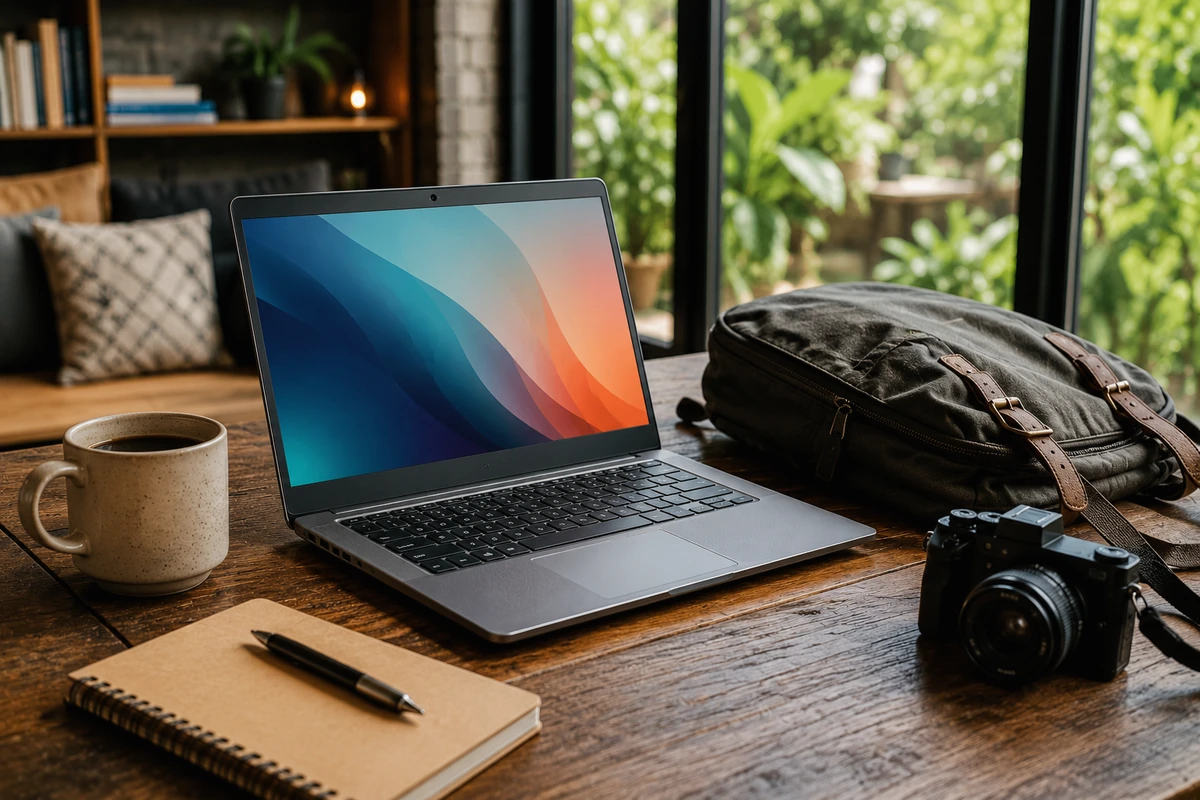
Before looking at specific models, it is worth understanding what actually matters when you are constantly on the move. When you are traveling between temporary accommodations and shared working environments, your hardware priorities naturally shift away from desktop-level raw performance toward everyday durability and lightweight efficiency.
Weight is a major factor. Carrying an extra kilogram does not sound like much when you are testing a machine in a store, but it becomes a massive burden once you have hauled your backpack through airports, train stations, and uneven city streets for several months.
Battery life is equally important. Reliable battery performance means fewer stressful searches for power outlets during long travel days or while working from a crowded local establishment. Then there is general size. A slim 14-inch laptop often hits the perfect sweet spot between functional screen space and packing convenience.
Personally, after years of working remotely from various international locations, I have found that a lightweight laptop with excellent battery capacity almost always beats a heavier machine with slightly better benchmark scores. Convenience and reduced physical strain add up significantly over time.
| Feature | Nomad Priority Level | Why It Matters |
| Battery Life | Critical | Eliminates the constant anxiety of searching for active power outlets. |
| Weight (< 1.5kg) | High | Reduces physical fatigue during long transit days and airport walks. |
| USB-C Charging | High | Allows you to pack one single charger for your phone, laptop, and gear. |
| RAM (16GB Minimum) | High | Ensures smooth multitasking when running multiple web browser tabs. |
| Raw CPU Power | Medium | Modern mid-range chips easily handle standard remote business workflows. |
🚀 Acer Swift Go 14
The Acer Swift Go 14 has quickly become one of the absolute strongest value-for-money choices in the sub-$1,000 category. Recent configurations typically include Intel Core Ultra processors, 16GB of memory, and a 512GB SSD. These specific hardware specifications are more than sufficient for day-to-day web operations, diverse creative projects, and heavy multitasking.
The chassis is relatively light, making it a dream to slip into your luggage. For professionals exploring diverse digital career paths, this model functions beautifully as one of the best budget laptops under $1,000 available today. It balances processing power with an ultra-portable frame that will not weigh you down.
One specific feature that stands out instantly is the vibrant display. Many configurations offer a high-quality OLED panel that looks significantly more premium than you would ever expect at this competitive price point. For creators who focus on visual tasks, having an accurate display is incredibly valuable.
Additionally, the port selection is a major practical advantage. It features USB-C, USB-A, HDMI, and built-in memory card support. This array provides massive flexibility when connecting external devices on the road without needing a messy collection of extra dongles.
Expert Tip: If you frequently work outdoors or near bright windows in shared workspaces, look specifically for the 400-nit or higher OLED screen configurations. The added brightness cuts through harsh reflections, making it one of the top rated affordable laptops for nomads who enjoy working with a view.
💻 ASUS Zenbook 14
The ASUS Zenbook 14 consistently appears near the top of value-focused hardware rankings, and it is incredibly easy to see why. It effortlessly combines a sleek, premium aesthetic with strong battery performance and exceptional portability.
Depending on the exact model you select, you will find stunning OLED displays, highly efficient Intel or AMD processors, and a full 16GB of RAM while staying comfortably near the $1,000 mark.
This model stands out as an excellent example of affordable travel laptops 2026 options that refuse to compromise on design language. It feels like a high-end corporate machine without the high-end price tag.
The overall build quality feels noticeably more expensive and rigid than the actual price suggests. That is an attribute frequent travelers tend to appreciate deeply because travel gear inevitably gets bumped around in overhead bins, under seat compartments, and tight bags.
For remote workers who spend long, continuous hours staring at a screen while analyzing data or writing content, the OLED display alone can make a massive difference in day-to-day visual comfort and reduced eye strain.
- Pros: Premium aluminum chassis, excellent keyboard tactile feedback, brilliant color reproduction.
- Cons: Shiny screen finish can show glare under direct overhead lighting.
- Best Suited For: Professionals who want a sleek, corporate look without paying flagship prices.
- Further Reading: To see how this hardware category stacks up against premium options, you can review this independently compiled industry analysis on laptopmag.com.
⌨️ Lenovo IdeaPad Slim 5
Not every remote worker requires an ultra-premium, flashy aluminum design. Sometimes you simply want a dependable, utilitarian laptop that performs consistently well and leaves extra room in your travel fund for flights, long-term accommodation, or unexpected operational costs. That is precisely where the Lenovo IdeaPad Slim 5 shines brightest.
Many current models offer 16GB of RAM, modern AMD processors, solid battery life, and a remarkably comfortable keyboard layout at a price point that often sits well below $800. It is a fantastic entry point for anyone hunting for high performance budget laptops for travel.
Lenovo has built a massive global reputation for engineering practical, durable productivity laptops, and the IdeaPad Slim 5 continues that user-focused tradition beautifully.
If your daily remote workload revolves heavily around writing, extensive client communication, spreadsheets, project management platforms, and browser-based software, you may never feel the technical need to spend a dollar more. It serves as one of the best cheap laptops for digital nomads who want maximum utility per dollar.
Read More: Keeping your hardware costs down is a smart financial move. If you want to keep the rest of your mobile business finances just as optimized, check out our comprehensive guide on utilizing the best budgeting apps for digital nomads to track your global expenses effortlessly.
🍏 Apple MacBook Air M2
Apple’s MacBook Air M2 remains one of the most attractive and popular choices for remote workers who prefer operating within macOS. While newer generations of the MacBook lineup exist on the market, the highly efficient M2 version frequently falls well below the $1,000 threshold through various third-party retailers and seasonal promotions.
This price drop makes it significantly more accessible for location-independent workers than when it first launched. It represents some of the absolute best value laptops under $1000 for users who want premium hardware longevity.
The biggest operational strengths of the MacBook Air are its legendary battery life, slim portability, and system efficiency. Even today, the baseline M2 chip handles everyday productivity tasks with absolute ease. Video conferencing, content creation, web development, basic graphic design, and photo editing are all well within its capabilities.
The fanless design is another massive, underrated benefit for travelers. Working in dead-silent libraries, quiet local cafes, or boutique workspaces is a much more pleasant experience when your machine stays entirely silent and cool.
If you are already deeply invested in the Apple ecosystem, this machine remains one of the most reliable, travel-friendly options available around this price range.
- Operating System: macOS
- Battery Life: Up to 15–18 hours of real-world light productivity use.
- Cooling: Entirely fanless and silent design.
- Weight: 1.24 kg (2.7 lbs).
- Recommended Upgrade: Try to source a model with 16GB of unified memory if you tend to keep dozens of browser tabs open simultaneously.
🛠️ Dell Inspiron 14 Plus
Dell’s Inspiron lineup does not always receive as much mainstream media attention as some of its flashier competitors, but it consistently delivers exceptional value for pragmatic buyers. The Inspiron 14 Plus is particularly appealing for remote professionals who require a bit more processing power for heavier data processing or multitasking without crossing the four-figure financial mark.
Configurations commonly include robust, modern Intel processors, 16GB of high-speed memory, and generous internal storage options. This makes it an ideal fit for anyone looking for budget remote work laptops that can double as sturdy daily drivers.
The chassis is highly durable, and the multitasking performance feels incredibly snappy. While it is not necessarily the absolute lightest option available on this list, it represents a highly dependable choice for freelancers, independent consultants, digital marketers, and other busy professionals who spend their intense workdays juggling multiple desktop applications simultaneously.
It easily qualifies as one of the best laptops for nomads on a budget who need a machine that feels like a tank.
Expert Tip: Because this machine packs a slightly more powerful processor, it pairs beautifully with external peripherals. If you want to expand your mobile workstation setup further, consider looking into the utility of portable monitors for digital nomads to increase your screen real estate while working from hotels or apartments.
🎨 HP Pavilion Plus 14
HP has improved its Pavilion lineup considerably over the last few years, pushing it closer to their premium Spectre and Envy lines while keeping the price accessible.
The Pavilion Plus 14 offers a stellar combination of raw performance, sleek portability, and display quality. This blend makes it highly attractive for remote workers who enjoy content consumption, photo editing, or creative side projects during their off-hours.
Many available versions include stunning OLED screens, 16GB of RAM, and modern Intel processors while staying comfortably under the $1,000 cap. It serves as an excellent example of top rated affordable laptops for nomads who want a true all-rounder.
The final result is a laptop that feels incredibly well-rounded rather than overly specialized. That specific balance tends to work beautifully for location-independent professionals whose daily task requirements can change rapidly from one client project to the next.
To learn more about how this specific display and chassis build hold up under long-term daily use, you can read through the detailed hardware review featured on wired.com.
- Display Options: Available with high-refresh-rate OLED panels.
- Portability: Slim profile that fits easily into standard bags.
- Performance: Excellent single-core speed for snappy app launching.
- Construction: Sturdy metal top cover that resists flexing.
📊 Don’t Ignore the Specs
Regardless of the specific brand or model you eventually choose, there are a few baseline minimum technical specifications worth targeting to ensure your investment lasts for years. Choosing a machine with inadequate internals will only lead to frustration and a premature replacement purchase down the road.
First, aim for 16GB of RAM whenever possible. Modern web browsers, communication tools, and cloud-based applications consume far more system memory than many people realize. Running out of RAM will slow your machine down to a crawl, regardless of how fast the processor is.
Second, look for at least a 512GB SSD. Storage space fills up surprisingly quickly once you start accumulating client deliverables, media assets, software updates, and offline travel maps.
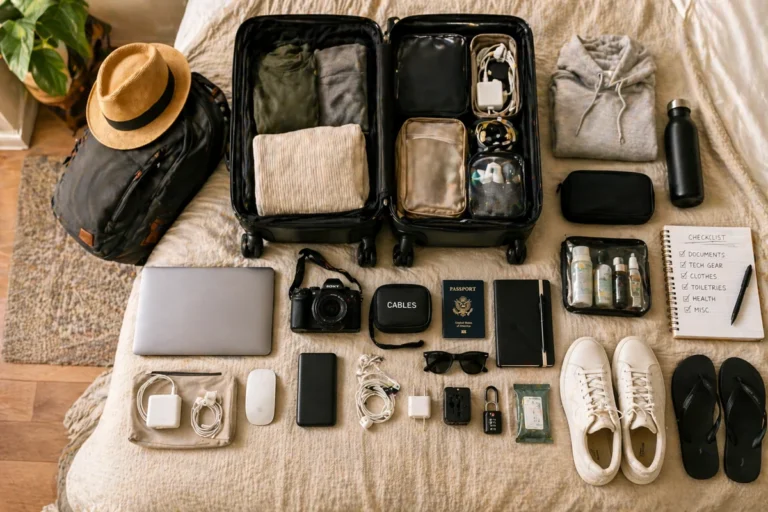
Finally, prioritize USB-C power delivery charging. Being able to use a single, high-output charger for your laptop, mobile phone, and camera gear simplifies your packing list considerably. These practical details matter far more than synthetic performance benchmarks.
| Component | Minimum Specification | Recommended Target | Why It Matters |
| RAM | 8GB | 16GB | Prevents slowdowns when running communication apps and browser tabs simultaneously. |
| Storage | 256GB | 512GB | Gives you plenty of room for local client files, software, and offline media. |
| Charging | Proprietary Barrel | USB-C Power Delivery | Lets you share chargers across devices and use lightweight travel adapters. |
🎯 Which Laptop Is the Best Overall Choice?
For the vast majority of digital nomads, the Acer Swift Go 14 offers the most balanced combination of portability, real-world performance, display quality, and price. It ticks nearly every box for mobile work without requiring any major structural compromises.
Those who prefer a Windows environment but want a distinctly more premium, high-end physical feel should take a very close look at the elegant ASUS Zenbook 14. It stands out as one of the best value laptops under $1000 for style-conscious professionals.
Budget-conscious remote workers who want maximum functionality per dollar will likely be happiest saving their cash with the practical Lenovo IdeaPad Slim 5. And if you are firmly locked into the Apple software ecosystem, the MacBook Air M2 remains an incredibly compelling option that continues to age remarkably well in terms of battery efficiency and resale value.
The most encouraging part of the modern market is that there really isn’t a bad choice among these options. The sub-$1,000 category has become so fiercely competitive that you can easily build a highly functional mobile setup without spending a small fortune.
Read More: Sourcing a great laptop is only one piece of the puzzle. If you are currently setting up your remote business infrastructure, make sure to read our breakdown on finding the best website hosting for travel bloggers to ensure your online platform stays fast and secure for global visitors.
🏁 Conclusion
A truly successful digital nomad setup isn’t about buying the most expensive, top-tier laptop you can possibly afford. It is about finding a reliable machine that supports your daily workflow consistently while leaving plenty of room in your financial budget for experiences, emergency funds, and lifestyle flexibility.
The best budget laptops under $1,000 now offer more than enough computing performance for the vast majority of remote professionals.
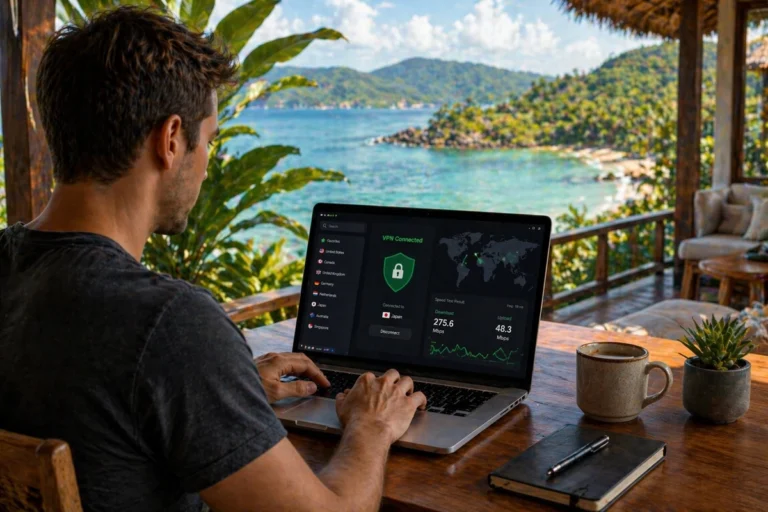
Whether you are freelancing from a beachside café in Bali, consulting for international clients from Lisbon, or managing an e-commerce empire while traveling through Southeast Asia, there are excellent, durable choices available today without crossing into premium price territories.
In almost every scenario, spending wisely rather than spending heavily is exactly what building a sustainable nomad lifestyle is all about.